Register tenant
Connect your Business Central tenant and confirm data processing consent.
Documentation for BCSentinel Business Central Data Health Management.
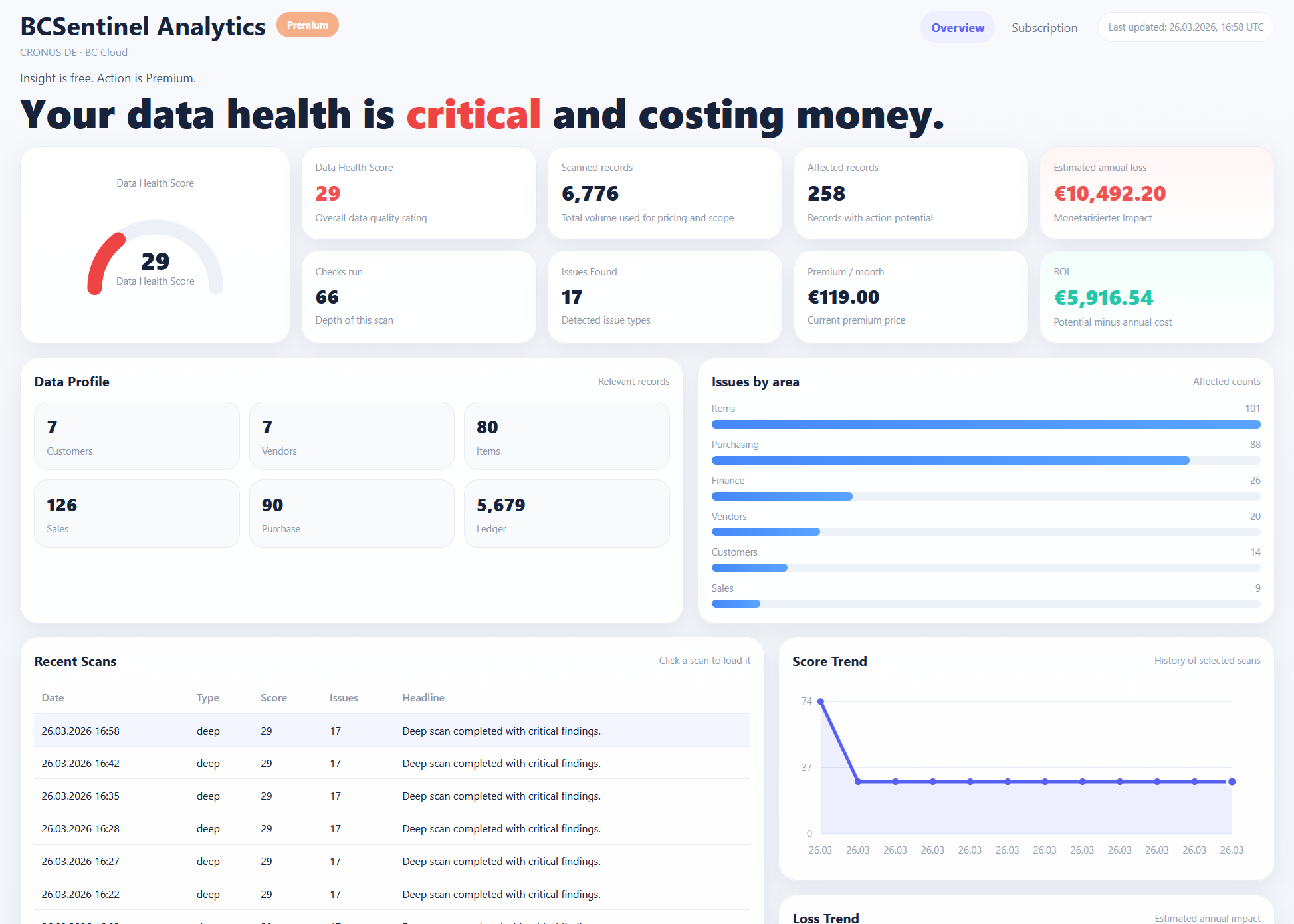
Screenshot/mockup for AppSource preparation.
docs_getting_started_lead
Connect your Business Central tenant and confirm data processing consent.
Purchase an Assessment or receive scan credit during pilot onboarding.
Enter API URL, token and run the connection test in Business Central.
Run the scan, review scan history and wait for completion.
Use Dashboard, findings, issue details and Executive Report.
Clean up data, run Validation Check and activate Monitoring when needed.
docs_setup_lead
Configure BCSentinel directly inside Business Central.
Refresh license and scan credits before starting a Deep Scan.
BCSentinel uses the customer language from Business Central where available.
docs_screenshots_lead
Screenshot area for setup and registration.
Screenshot area for scan runs and status.
Screenshot area for dashboard and KPIs.
Screenshot area for findings and recommendations.
Screenshot area for report output.
Optional screenshot area for admin and pricing.
docs_videos_lead
Video area for first setup and registration.
Video area for scan start and history.
Video area for Executive Report and sharing.
docs_troubleshooting_lead
Refresh license or purchase Assessment / Validation Check.
Run registration again and verify API URL and token.
Check link expiry and public base URL configuration.
Wait for scan completion and refresh dashboard data.
Refresh license so tenant language can be updated.
docs_faq_section_lead
This is product documentation and will continue to be expanded.
The scan reads metadata and results; cleanup actions remain controlled by the customer.
Use the contact page for support, demo and onboarding requests.